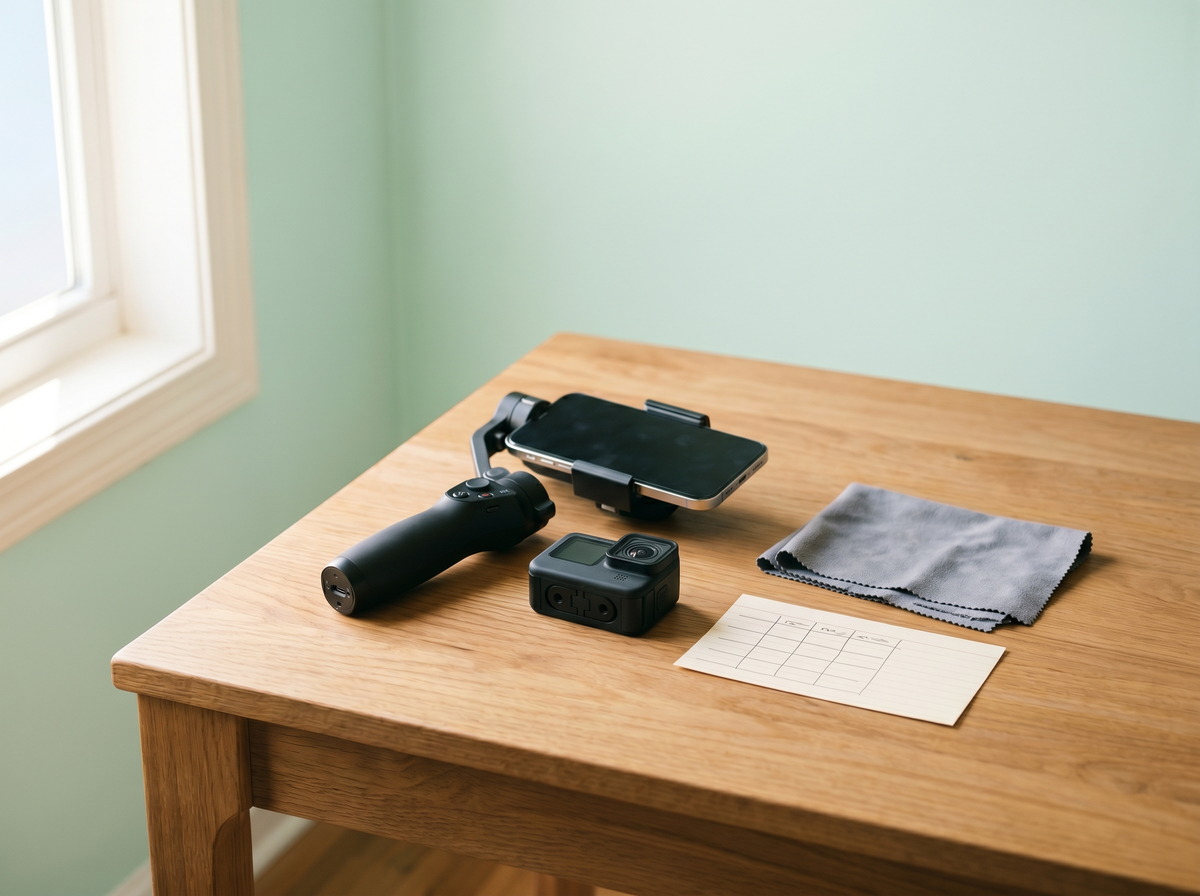
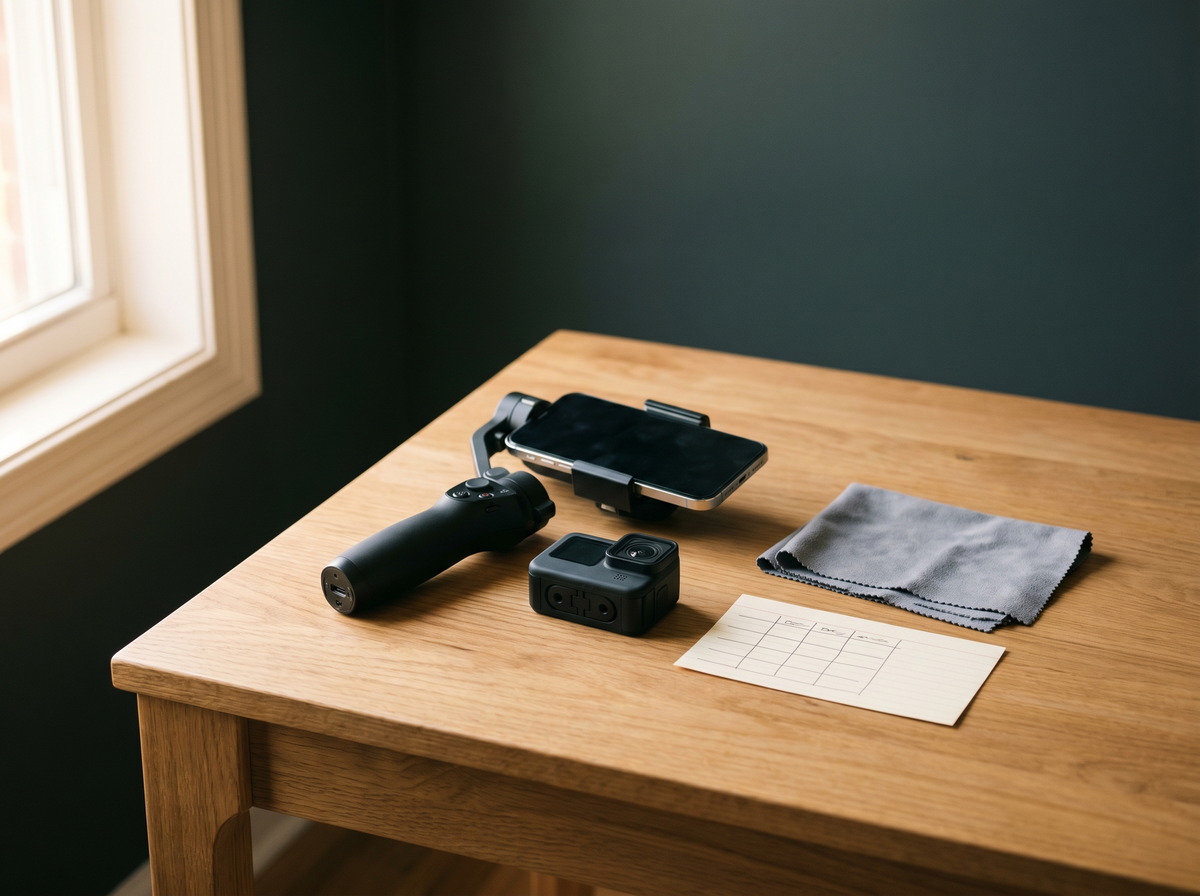
Capture guide Choose your capture setup
Cadastre Home works with your phone on every tier. When you want faster room coverage or spatial 360° tours, these Insta360 options pair naturally with Pro Vault — or skip the gear and book Concierge capture.
Cadastre Home earns a commission if you purchase through Insta360 links on this page, at no extra cost to you.
Three paths to a complete inventory
- Phone walkthrough — Free Starter and Basic. Shoot room-by-room video; AI builds your checklist.
- DIY 360° — Pro Vault. Upload Insta360 raw files for interactive forensic tours and resumable 10 GB uploads.
- Done for you — Concierge Capture. Certified partners shoot on-site; no camera purchase required.
Start with your phone
Every Cadastre Home tier supports smartphone photos and video walkthroughs. A stabilized gimbal helps AI detect more items from smoother footage.
Free Starter · Basic
Insta360 Flow 2 Pro
AI-powered phone gimbal that keeps room walkthroughs smooth and steady — ideal for video inventory on Free and Basic tiers.
With Cadastre Home: Upload walkthrough video directly from your phone; AI builds your room-by-room checklist.
View on Insta360
↗ Upgrade to 360°
Plus Safe unlocks native Insta360 (.insv, .insp) uploads up to 10 GB, resumable transfers, and interactive 360° forensic tours. One 360° shot can cover an entire room.
Plus Safe · Pro Vault
Insta360 X3
Compact 360° camera that captures an entire room in one shot — a budget-friendly entry to DIY spatial documentation.
With Cadastre Home: Upload native .insv and .insp files on Plus Safe with up to 10 GB resumable uploads.
View on Insta360
↗ Plus Safe · Pro Vault
Insta360 X4
All-around 360° camera with higher resolution — faster room coverage for high-value homes and detailed forensic tours.
With Cadastre Home: Full 360° forensic tours with spatial hotspots tied to every inventory item.
View on Insta360
↗ Plus Safe · Pro Vault
Insta360 X5
Latest flagship 360° camera with improved low-light performance — best for large homes and dim closets or attics.
With Cadastre Home: Native Insta360 raw upload support with offline capture sync on Plus Safe and Pro Vault.
View on Insta360
↗ Pro capture setups
Complete kits for homeowners who want real-estate-quality spatial documentation or rugged field gear for exterior and mechanical systems.
Plus Safe · Pro Vault
Insta360 Virtual Tour Kit
Purpose-built kit for real-estate-style virtual tours — tripod, camera, and workflow optimized for room-by-room spatial capture.
With Cadastre Home: Creates adjuster-ready 360° tours that map every asset to a verified room location.
View on Insta360
↗ Plus Safe · Pro Vault
Insta360 Construction Kit
Rugged setup for property and construction documentation — mounts, cases, and accessories for field capture.
With Cadastre Home: Document exterior structures, HVAC, and mechanical systems with durable on-site gear.
View on Insta360
↗ Accessories worth adding
Small add-ons that save time when transferring large files or moving between rooms during a full-home documentation session.
Plus Safe · Pro Vault
2-in-1 Card Reader + Case
Transfer large 360° files from camera to computer quickly — essential when uploading multi-gigabyte .insv files.
With Cadastre Home: Speed up large uploads after a full-home 360° shoot.
View on Insta360
↗ Plus Safe · Pro Vault
Quick Release Mount 2.0
Swap between tripod and handheld in seconds — move room to room without fumbling with mounts mid-capture.
With Cadastre Home: Document more rooms per session with less setup friction.
View on Insta360
↗ Browse all Insta360 gear
Cameras, mounts, filters, and replacement parts — full catalog on the Insta360 store.
Browse Insta360 store ↗
Ready to document your home?
Start with your phone on Free Starter — upgrade to Plus Safe or Pro Vault when you are ready for 360° forensic tours.
No credit card for Free Starter · Cancel anytime